
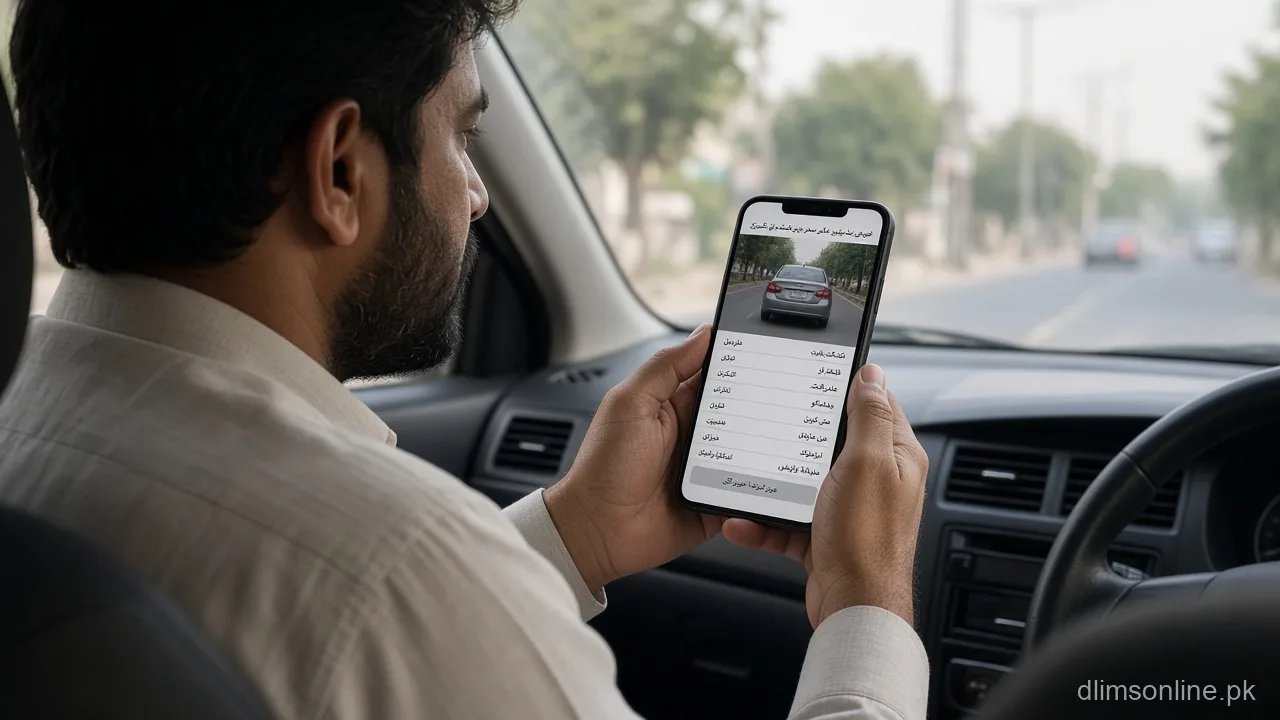
Pay Camera Challan Punjab 2026 | Safe PSID Steps
Pay Camera Challan Punjab 2026: Safe PSID Steps After an ANPR or Safe City Fine
Last updated: October 2026. Official portal: echallan.psca.gop.pk. dlimsonline.pk is an independent guide.
This page is specifically about how to pay once a Punjab Safe Cities Authority camera has issued you a challan, since the payment step trips people up more than the detection itself. If you first want to see the actual photo evidence and consider disputing a wrong fine, read our separate camera challan photo evidence guide before paying anything. If you only need a quick PKR figure for an offence, check the traffic fine estimator. This guide focuses purely on the safest order of steps to actually settle the PSID once you have decided the challan is valid.
How a camera challan reaches you in the first place
Punjab’s Safe Cities Authority runs an ANPR and AI assisted camera network across major cities that automatically detects violations such as speeding, signal jumping, not wearing a helmet or seatbelt, and mobile phone use while driving. When a violation is captured, the system reads the plate, timestamps the location, and generates a challan tied to that vehicle. A notification is then sent to the registered mobile number by SMS, and the official source for that notification channel is the short code 8070. A genuine PSCA message never arrives asking for your bank PIN, never requests cash on the spot, and always includes the actual time, location, and offence type rather than a vague “you have a fine” line with only a payment link.
Step by step: how to pay a camera challan safely
- Open the official portal at echallan.psca.gop.pk directly by typing the address yourself, rather than tapping a link from an SMS or WhatsApp message
- Enter your vehicle registration number or your CNIC to pull up the list of challans linked to that vehicle or identity
- Open the specific challan and check the violation type, date, time, and location against your own memory of that trip
- Generate the PSID for that exact challan, which creates a unique payment reference tied only to that fine
- Pay through a bank app, JazzCash, EasyPaisa, a 1-Link ATM, or an over the counter branch payment, using the PSID shown, not a number read out over a phone call
- Save the payment confirmation and the SMS receipt until the portal itself shows the challan as paid
Payment status can take anywhere from a few minutes to a day or two to update on the portal depending on the channel you used, so avoid generating a second PSID for the same challan just because the status has not flipped instantly. Confirm first, then wait a reasonable settlement window before assuming something went wrong.
If payment seems to fail or money has already left your account
If your bank or wallet shows a successful debit but the PSCA portal still shows the challan as unpaid, do not simply generate and pay a fresh PSID. Keep your transaction ID, timestamp, and the exact amount, then follow the steps in our PSID pending but money deducted guide before trying again. Most of these cases resolve once the payment channel finishes reconciling with the government system, and paying twice only creates a longer refund process later.
Should you pay first or dispute first
If the photo evidence clearly shows your own vehicle committing the offence, the simplest path is to pay promptly through the official PSID channel and move on. If something looks wrong, a cloned plate, a vehicle you already sold, or a camera misread, file a dispute through the PSCA review process before paying, since a challan that is later cancelled does not automatically refund money you already sent. Our photo evidence and dispute guide covers exactly how to view the image and submit that review.
Unpaid camera challans and your driving licence
An unpaid challan linked to your CNIC can hold up unrelated Dastak services, including licence renewal and duplicate licence requests, until it is cleared and the system has time to sync. If your licence application appears stuck and you were not expecting a challan issue, check licence blocked due to challan for the usual pattern and what clears it. Settling the camera challan through the official PSID channel described above is normally the fix, followed by a short wait for the systems to reflect the update.
Common payment mistakes to avoid
- Paying an amount read out over a phone call instead of the figure shown on the official portal for your specific PSID
- Accepting a WhatsApp “agent” offer to clear a challan at a discount, which is never how genuine government fee collection works
- Generating a brand new PSID every time the status looks slow, instead of waiting out a normal settlement window
- Deleting the payment receipt or SMS before the portal itself confirms the challan as paid
Frequently asked questions
Can I pay my camera challan directly on dlimsonline.pk?
No. We explain the official steps only. Payment must happen on the official PSCA e-challan portal or a recognised banking channel using the PSID shown there.
How long does a challan payment take to show as cleared?
It commonly updates within a few hours to about two days depending on the payment channel used. Keep your receipt until the portal itself confirms the paid status.
Does paying the challan automatically unblock a stuck licence application?
Usually yes, once the systems sync, but it is not always instant. Refresh your licence application status after settlement and keep both receipts in case you need to show proof.
A WhatsApp number offered to pay my challan for a smaller fee. Is that real?
Treat that as a fraud risk and ignore it. PSCA does not discount fines through agents, and sharing your CNIC or OTP with such a contact can expose you to further misuse.
What if the SMS came from a number other than 8070?
Do not click any link in it and do not pay. Verify any challan directly on the official portal using your own vehicle number or CNIC instead of trusting the message.
Sources and disclaimer
Process details here are based on the official Punjab Safe Cities Authority e-challan system and public reporting on its payment channels. dlimsonline.pk is an independent information site maintained by Musa Tariq and is not affiliated with the Punjab Safe Cities Authority or any bank or wallet provider. Fees, channels, and timelines can change, so confirm current steps on echallan.psca.gop.pk before paying. Report an outdated step through contact us.