Learner Document Checker Punjab 2026
Learner Document Checker Punjab 2026 (Dastak / DLIMS)
Last updated: October 2026. Checklist helper only. Final lists: dlims.punjab.gov.pk.
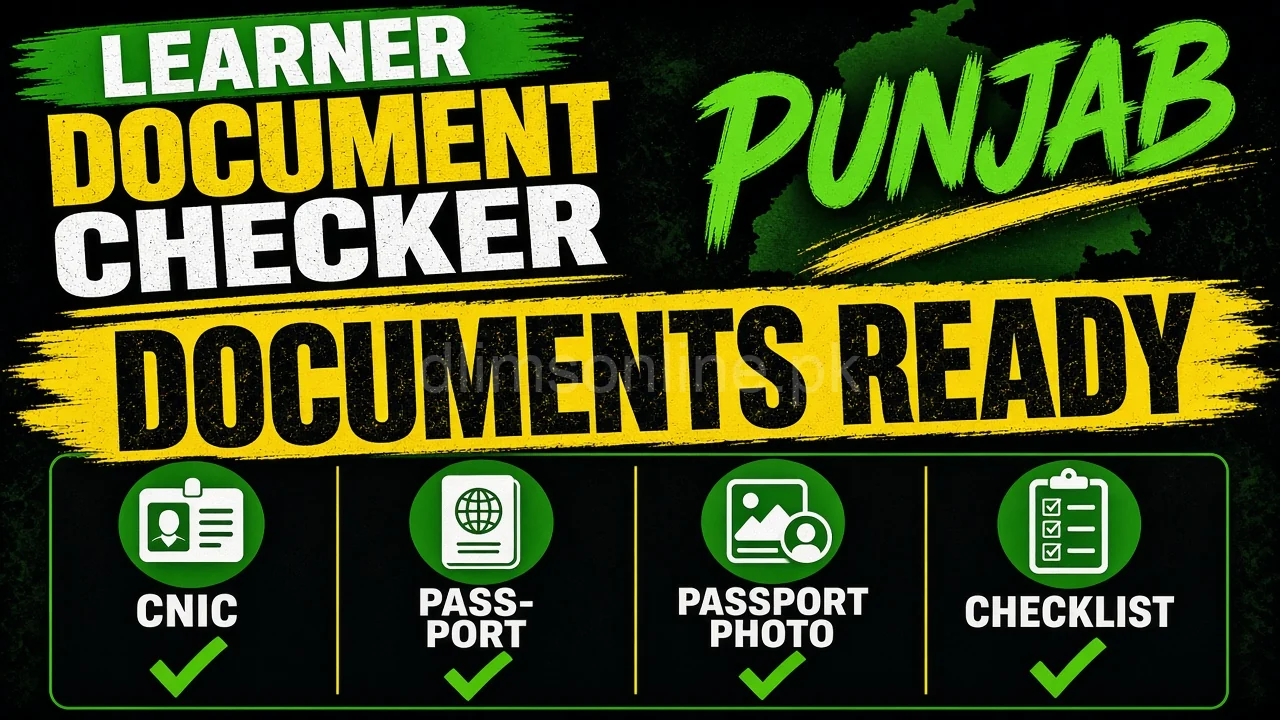
What this page solves: Check if learner documents are ready before opening Dastak. Tick the list, fix gaps, then apply. Blurry CNIC and missing medical papers stall many applications.
Interactive learner document checker
Tick what you already have. Unofficial checklist. Confirm on Dastak.
Ready score: 0 / 6
How to use this checker
- Tick every item you already have clearly
- Fix missing items before the Dastak form
- Upload sharp scans with full CNIC edges
- Keep originals for biometric / office steps
Related guides
Common rejection reasons
- CNIC crop cuts name or number
- Photo too dark or wrong background
- Medical certificate missing when age or portal requires it
- Unreadable scans from glare or low resolution
Next steps after you pass the checker
- Open Dastak and start the learner service
- Upload the same clear files you prepared
- Generate and pay the correct PSID
- Practise signs with the practice quiz before test day