
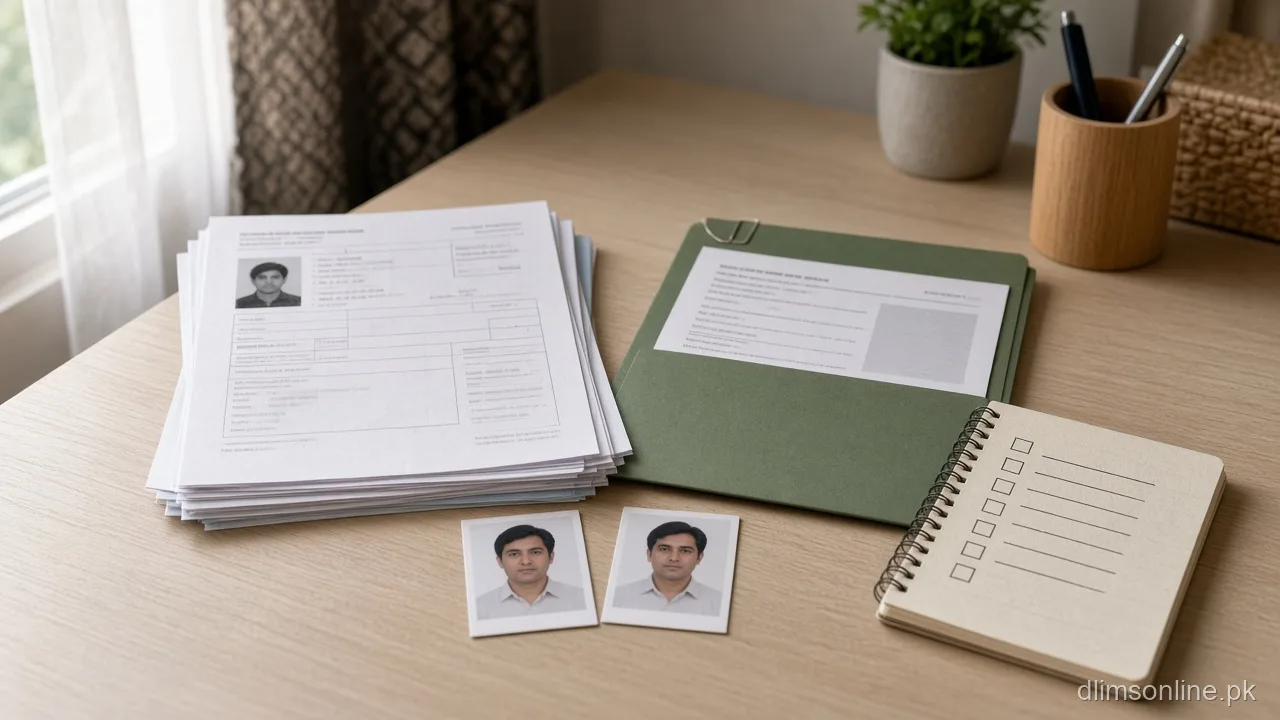
Learner License Documents Punjab 2026 | Full Checklist
Learner License Documents Punjab: Checklist and Upload Quality Guide
Last updated: October 2026. Official portal: dlims.punjab.gov.pk.
Learner license documents in Punjab cause more rejected applications than any other single step, mostly because of upload quality rather than missing paperwork itself. This guide lists exactly what the official DLIMS portal asks for, then focuses on the photo and scan quality details that actually decide whether an upload passes review. If you want our live document checker tool instead of a reading guide, use the learner document checker. If you still need the full application walkthrough, see our Dastak driving licence hub.
The Official Document List
According to the official DLIMS portal, a learner licence application needs the following documents uploaded during the form.
| Document | Notes |
|---|---|
| Picture (face) | A plain, clear photo of your face, not a filtered or group photo |
| Scanned copy of CNIC front | Original CNIC, not a photocopy or expired card |
| Scanned copy of CNIC back | Must be legible, including the address section |
| Medical certificate | Required only if the applicant is above 50 years old, signed by a government doctor |
Most applicants under 50 only need the first three items. The medical certificate is the one document people genuinely forget when it does apply to them.
Photo Requirements That Actually Pass Review
The portal asks for a plain face photo, and in practice that means avoiding a few habits that cause rejection even when the person technically followed instructions.
- Face the camera directly with both eyes visible, no sunglasses or caps
- Use a plain, evenly lit background rather than a busy room or outdoor scene
- Avoid heavy filters or beauty mode on the phone camera, since these can distort facial features that reviewers compare against your CNIC photo
- Crop to show your face and shoulders clearly, not a distant full body shot
CNIC Scan Quality: Front and Back
Both sides of the CNIC need to be fully legible, including fine print. A photo taken at an angle, with glare across the lamination, or with a corner cut off is one of the most common causes of a stalled or rejected application.
- Place the CNIC on a flat, dark surface and photograph it straight on, not at an angle
- Turn off camera flash directly on the card, since lamination glare can block text
- Make sure all four corners of the card are inside the frame
- Check that the CNIC number, name, and address are all readable before uploading, not just visually present
Medical Certificate Rule for Age 50 and Above
If the applicant is above 50 years old, the official requirement is a medical certificate signed by a government doctor. This is a straightforward health confirmation step, not a lengthy process, but it has to be arranged before you reach the upload screen, since the form will not let you proceed convincingly without it in that age bracket. Plan this visit a day or two ahead rather than discovering the requirement mid application.
File Format and Size Tips Before You Upload
The portal accepts standard formats such as PDF and JPEG, within its stated size limits. A few practical habits reduce upload failures.
- Compress very large photo files before uploading if your connection is slow, without reducing resolution so much that text becomes unreadable
- Save CNIC scans as a single clear image per side rather than combining both sides into one file unless the form specifically asks for that
- Double check the file actually uploaded by reopening the preview on screen, not just assuming the upload bar reaching one hundred percent means it was accepted
Document Mistakes We See Most Often
A few patterns repeat across applications that end up stuck in review rather than approved quickly.
| Mistake | What Happens |
|---|---|
| Using a photo taken months or years ago | Reviewers may flag an inconsistent appearance against your CNIC photo |
| Uploading a photocopy of the CNIC instead of a direct scan or photo | Secondary copies often lose clarity, especially fine print |
| Submitting one combined image for both CNIC sides | Some reviewers expect each side as its own clear image |
| Skipping the medical certificate for an applicant just over 50 | Causes a hold until the certificate is uploaded separately |
Quick Pre-Submit Checklist
- Face photo is plain, well lit, and unfiltered
- CNIC front and back are both flat, straight, and glare free
- Medical certificate attached if the applicant is above 50
- CNIC number entered on the form matches the scan exactly, with no dashes
- Correct licence category selected before you move to payment
Frequently Asked Questions
Can I use a passport sized studio photo instead of a phone photo?
Yes, a studio photo generally works well as long as it is plain, well lit, and shows your face clearly. The format matters less than meeting the clarity standard.
What happens if my CNIC scan is rejected after I already paid?
Document issues are typically handled during the verification review stage after payment, not before. If flagged, you may be asked to re-upload rather than restart the entire application and payment.
Do I need the medical certificate if I am exactly 50 years old?
The official rule is stated as above 50 years old, so confirm your exact age bracket on the form itself, and when in doubt bring the certificate anyway since it avoids a delay either way.
Can I upload documents from a scanner instead of a phone camera?
Yes, a flatbed scanner often produces a cleaner result than a phone photo, particularly for CNIC scans, as long as the output file meets the format and size limits.
Is a black and white CNIC scan acceptable?
Colour scans are the safer default since colour helps confirm the document is genuine. A black and white or very low contrast scan increases the chance of a manual review flag.
What should I do if my documents are rejected after submission?
Check the specific reason given in your account, then re-upload only the flagged document rather than restarting the entire application. If no reason is given, contact DLIMS support with your CNIC and application reference ready.
Sources and Disclaimer
This checklist is based on the document requirements and FAQ published on the official DLIMS portal at dlims.punjab.gov.pk, checked in October 2026. dlimsonline.pk, maintained by Musa Tariq, is an independent information site and is not affiliated with the Government of Punjab, DLIMS, or Dastak. Document rules can be updated by the department at any time. Confirm current requirements on the official portal before you apply. Report an outdated step through contact us.