Dastak Driving License Punjab 2026 | App vs Portal Guide
Dastak Driving License Punjab: What Changed and How to Apply in 2026
Last updated: October 2026. Official portal: dlims.punjab.gov.pk.
Dastak driving license Punjab services now run through a single one window platform instead of a standalone DLIMS site. If you applied before this change, or you are starting fresh, the biggest source of confusion is simply knowing which screen does what. This guide explains what Dastak actually changed, when to use the app versus the web portal, and the rejection traps that waste the most time. We checked the live DLIMS portal while writing this, so the steps below match what you will see today, not an old screenshot.
What Dastak Changed for Licence Services
The Driving License Information Management System, usually shortened to DLIMS, used to be its own separate login and application flow. It has now been folded into Dastak, described on the official portal as the one window for all Government of Punjab services. Your learner licence, regular licence, renewal, duplicate, and international licence requests are still processed by the same back end system, but the account layer, payment flow, and status dashboard now sit under the Dastak brand.
In practice this means two things for applicants. First, a new account created today is a Dastak account, not a standalone DLIMS login. Second, if you already had an older DLIMS account, the portal offers a path to link it so your previous applications and records carry over automatically instead of starting from zero.
Dastak App vs the DLIMS Web Portal
Both the Dastak mobile app and the dlims.punjab.gov.pk website submit to the same system, so neither one is fake or secondary. The right choice depends on what you are doing right now.
| Task | Easier on Web Portal | Easier on Dastak App |
|---|---|---|
| First time account setup | Yes, larger screen for form fields | Possible, but typing CNIC and address on mobile is slower |
| Uploading CNIC photos | Needs a scanner or saved image | Yes, camera capture is built in |
| Checking application status | Yes | Yes, with push style updates |
| Paying the PSID | Yes, via online banking | Yes, via mobile banking apps |
| Showing your licence at a checkpoint | Not practical | Yes, this is the main use case |
Our honest take after testing both: use the web portal for the paperwork heavy first application, then keep the app installed afterward for status checks and for showing your digital licence when you are out on the road.
The Standard Dastak Licence Flow
Whether you apply for a learner licence, a renewal, or a duplicate, the official flow follows the same core steps, with the last stage changing slightly by request type.
- Create an account and log in
- Fill the application form with CNIC, personal, and category details
- Generate your PSID (Payment Slip Identification) and pay through ATM, online banking, or mobile banking
- Wait for payment confirmation inside your dashboard
- For a learner licence, print the digital copy once approved. For regular, renewal, duplicate, or international requests, wait for administrative approval, then processing and courier dispatch
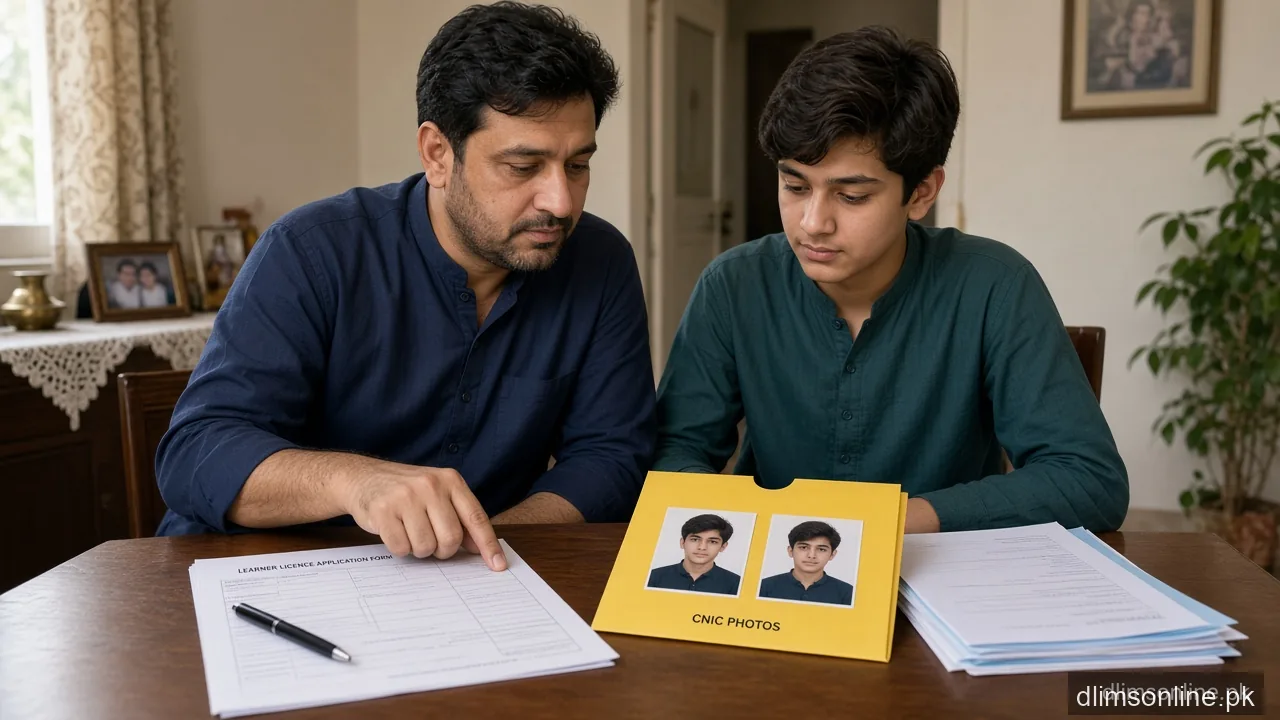
If you have not applied before, our learner licence documents checklist covers exactly what to prepare before you start step two.
Common Rejection Traps We See Again and Again
Most delays are not system failures, they are small input mistakes that trigger manual review or outright rejection.
| Trap | Why It Happens |
|---|---|
| Blurry or cropped CNIC scan | Reviewers cannot confirm your details against NADRA records |
| Casual selfie instead of a plain photo | The system expects a clear face photo, not a filtered or group photo |
| Missing medical certificate | Required if the applicant is above 50 years old, often forgotten |
| Wrong category selected | Motorcycle, car, and heavier categories carry different fees and tests |
| CNIC entered with dashes | Most DLIMS fields expect the 13 digit number with no dashes or spaces |
Can You Still Apply in Person
Not every applicant wants to do this entirely online, and the system still allows for that. Learner licence applications in particular can also be completed at an E-Khidmat Centre, a Police Khidmat Markaz, or a police station, with staff handling the data entry on your behalf. The underlying DLIMS record and PSID payment step are the same either way, Dastak is simply the self service layer for people who prefer to do it themselves from home. If you choose an in person option, bring your original CNIC and be ready to pay the PSID the same day, since most counters expect payment before they move your application forward.
Where to Go Next
This page is meant as a starting point, not the full manual for every scenario. Depending on where you are stuck, go straight to the specific guide:
- Watching a status that will not move: track your application
- Need your licence on your phone right now: e-licence download
- Account will not log in or OTP never arrives: login problem fixes
- Card lost or damaged: duplicate licence process
- Want to add motorcycle, car, or LTV to an existing licence: category upgrade guide
- Need to confirm a licence number before hiring or travel: driving licence check
Frequently Asked Questions
Do I need a new account if I already had a DLIMS login?
Not necessarily. The portal supports linking your previous DLIMS account to Dastak so your earlier applications and payment history transfer across instead of being lost.
Is the Dastak app required, or can I do everything on the website?
You can complete the full application on the website alone. The app is useful afterward for status checks and for showing your digital licence, but it is not mandatory for applying.
Why does my application sit at Payment Confirmation for days?
Bank reconciliation for PSID payments is not always instant. If more than two to three working days pass with no change after you paid, contact DLIMS support rather than paying again.
Can I apply for more than one category in a single application?
Yes, the form allows multiple categories such as motorcycle and car together. The fee charged follows the highest category in that combination, not a simple total.
What is the official contact if a step genuinely gets stuck?
Call 042-99202892 or email info@dlims.punjab.gov.pk for licence specific queries. These are the numbers published directly on the official DLIMS portal.
Does Dastak cover services beyond driving licences?
Yes, Dastak is positioned as a one window platform for multiple Government of Punjab services, with DLIMS as one of the services running through it rather than the whole of what Dastak offers.
Sources and Disclaimer
This guide is based on the live workflow and FAQ published on the official DLIMS portal at dlims.punjab.gov.pk, checked in October 2026. dlimsonline.pk, maintained by Musa Tariq, is an independent information site and is not affiliated with the Government of Punjab, DLIMS, or Dastak. Steps, fees, and portal screens can change without notice, so confirm current details on the official site before you apply. Report an outdated step through contact us.