How to Make a Payment with a PSID in Pakistan (Complete Guide 2026)
How to Make a Payment with a PSID in Pakistan (Complete Guide 2026)
Last updated: October 2026. Official process: dlims.punjab.gov.pk. dlimsonline.pk is independent.
What this post solves: You generated a PSID on Dastak or a challan portal and need a safe step-by-step for JazzCash, EasyPaisa, bank, or ATM payment in PKR without double paying.
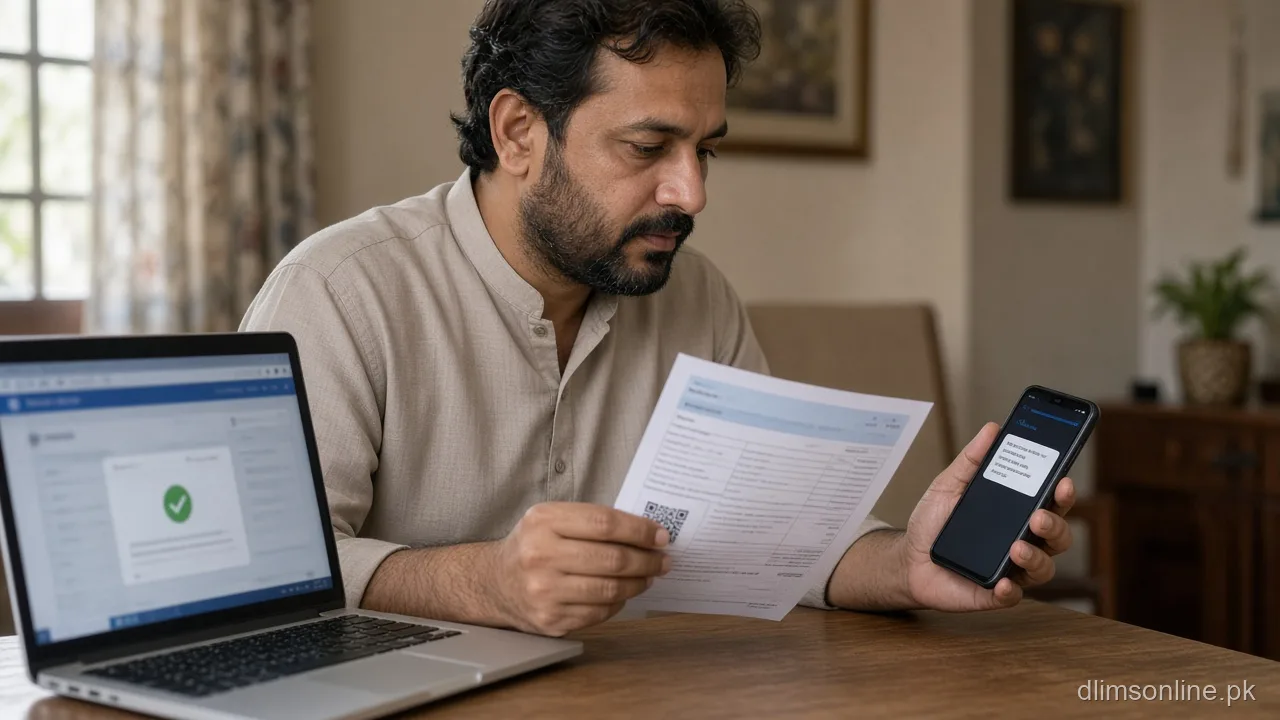
A PSID (Payment Slip ID) is the reference Punjab systems use to collect licence fees, renewals, duplicates, and many fines. Generate it only from dlims.punjab.gov.pk or official challan sources. Pay only the amount printed for that exact PSID.
Before you pay
- Match service name to learner, regular, renewal, duplicate, or challan
- Compare total with fee tables for sanity
- Check PSID expiry time
- Use stable internet and keep screenshot space free
Step-by-step PSID payment
- Copy PSID digits carefully
- Open your wallet or bank app
- Choose bill payment or government payment as listed
- Paste PSID and verify amount before confirm
- Save SMS receipt until portal shows paid
- Refresh dlims.punjab.gov.pk once after settlement window
If status stays pending
Read pending but money deducted and PSID status explainer before a second payment.
Licence vs fine PSID
Challan PSIDs live under e challan Punjab. Licence PSIDs belong to your application card. Never cross-pay.
Tools and related pages
FAQs
Step-by-step recap (safe order)
- Read the official checklist on dlims.punjab.gov.pk for your exact service name
- Prepare CNIC, photos, and PSID payment method before you start
- Compare PKR totals with fee tables then trust the live PSID
- Save screenshots of tracking ID and payment SMS until status updates
- If labels confuse you, cross-check tracking meanings and PSID explainer
This recap does not replace district DLO instructions. Officers may request extra documents during peak weeks or system upgrades. When two guides disagree, follow the portal text shown inside your logged-in Dastak account.
If you are helping a family member, sit together while uploading CNIC scans so glare and cropped digits do not cause rejection. For payment stress, keep JazzCash, EasyPaisa, or bank apps updated and pay only the PSID shown for that exact service. Use payment with PSID and pending payment guide before you retry.
Before you leave this page
- Open dlims.punjab.gov.pk in a second tab so you can compare live labels
- Save driving license tips for weekly reminders
- Keep PSID receipts until status shows paid
- Use license check if you forgot your category
Most delays are document or payment issues, not mysterious server errors. Fix the stated reason once, then wait a full settlement cycle before you pay again.
Sources and disclaimer
Process and fee rules come from the public Punjab Dastak programme at dlims.punjab.gov.pk. District DLO staff may ask for extra steps during peak weeks. This article is maintained by Musa Tariq on dlimsonline.pk. We are not part of Punjab government.
If a step here conflicts with the portal, follow the portal. Report outdated lines through contact us so we can refresh the post.
Author: Musa Tariq, DLIMS Online. Independent information site. Not affiliated with Punjab government.
District timing notes (Punjab)
Applicants in Lahore, Rawalpindi, Faisalabad, Multan, Gujranwala, Sialkot, and smaller districts usually see the same Dastak labels, but courier routes and DLO appointment slots can differ. During Ramadan or monsoon weeks, allow extra days before you assume a file is stuck.
Use Dastak driving license Punjab as your hub when you jump between learner, renewal, and dispatch tasks. Our about us page explains how we verify steps against dlims.punjab.gov.pk.
Documents to keep on your phone
- CNIC front and back scans without glare
- Learner or old licence photo if renewal or duplicate
- PSID screenshot and bank or wallet SMS until status reads paid
- Tracking ID from Dastak until dispatch shows delivered
If a scan fails validation, retake in daylight and avoid filters. See driving license tips for photo rules that reduce rejection.
When to call support vs wait
Wait one full banking day after PSID payment before opening a duplicate ticket. Call your district DLO only when the portal shows a hard error with a reference number, or when dispatch tracking stops for more than ten working days.
For wallet debits with pending PSID, follow money deducted guide before paying again. Double payment creates refund delays and can freeze the application until finance reconciles.
Quick glossary for Dastak screens
Tracking ID is your application reference until a card is printed. PSID is the payment voucher in PKR. Dispatch means the plastic licence left the print centre. Biometric pending means your fingerprint visit is still open.
Match each label with tracking ID meanings and dispatch meanings so you do not refresh the wrong service. If you only need status, start with license check.
District timing notes (Punjab)
Applicants in Lahore, Rawalpindi, Faisalabad, Multan, Gujranwala, Sialkot, and smaller districts usually see the same Dastak labels, but courier routes and DLO appointment slots can differ. During Ramadan or monsoon weeks, allow extra days before you assume a file is stuck.
Use Dastak driving license Punjab as your hub when you jump between learner, renewal, and dispatch tasks. Our about us page explains how we verify steps against dlims.punjab.gov.pk.
Documents to keep on your phone
- CNIC front and back scans without glare
- Learner or old licence photo if renewal or duplicate
- PSID screenshot and bank or wallet SMS until status reads paid
- Tracking ID from Dastak until dispatch shows delivered
If a scan fails validation, retake in daylight and avoid filters. See driving license tips for photo rules that reduce rejection.