
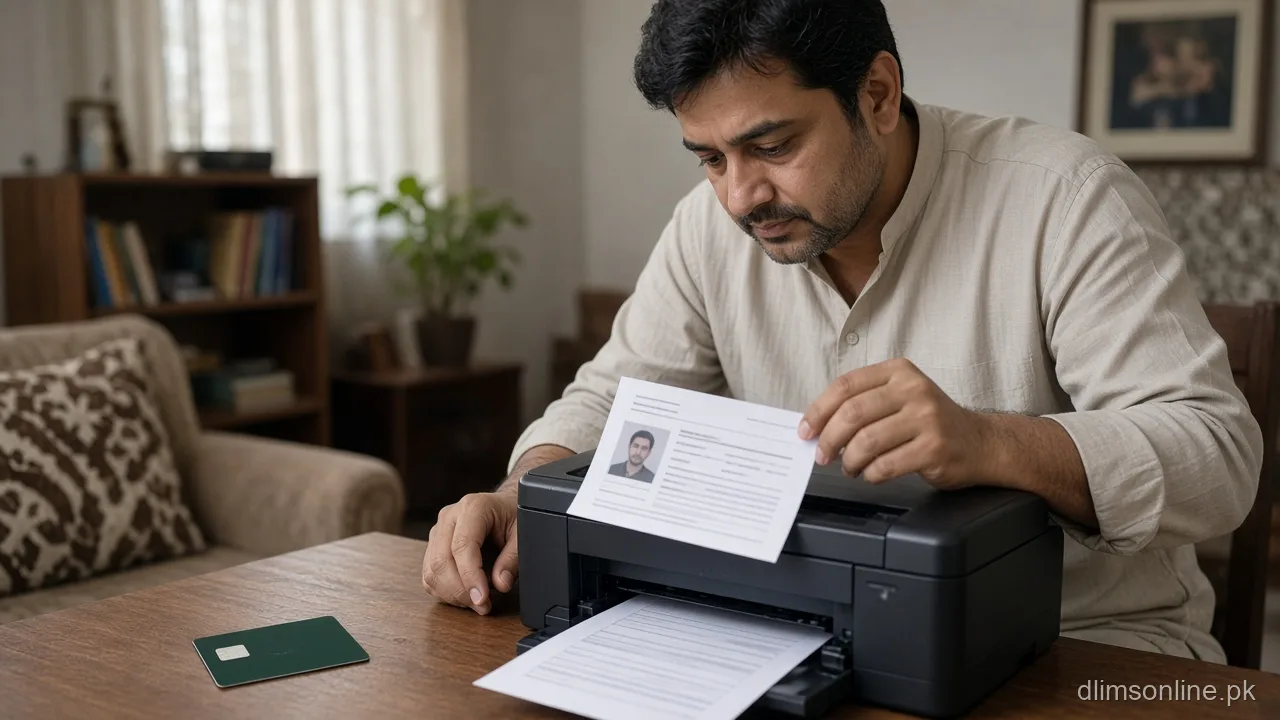
Print Learner Licence Punjab | Digital or Paper
How to Print or Show Your Learner Licence in Punjab (2026)
Last updated: October 2026. Official platform: dastak.punjab.gov.pk. dlimsonline.pk is an independent guide, not the Government of Punjab.
Once your learner licence application is approved, a simple question trips up a lot of first-time applicants: do you actually need a printed copy, or is showing it on your phone enough. This page covers exactly when a printed learner licence is expected, when a digital copy is accepted, and how to download and print it correctly if you need a physical copy.
Do you need a printed learner licence
A printed copy is commonly expected for practical situations such as practising on the road under supervision, attending your sign test and road test, and any in-person step at a licensing centre where staff may ask to see or stamp a physical document. While many services now accept a digital version shown on your phone, carrying a printed copy avoids any delay caused by a dead battery, poor signal, or a staff member who specifically asks for paper. Treat a printed copy as the safer default rather than assuming digital will always be accepted.
When a digital copy is accepted
A digital copy, shown directly from your Dastak account or saved as a PDF or screenshot, is increasingly accepted for identity confirmation steps and casual checks, since the underlying record is verified electronically regardless of format. However, acceptance can vary by officer, centre, and the specific step you are at, so a digital-only approach carries some risk at stages like your sign test booking or when a hard copy is specifically requested. If you are unsure, ask the centre or check your Dastak account notes for that specific appointment before relying on digital alone.
How to download your learner licence from Dastak
- Log in to your Dastak account using the credentials linked to your application
- Open your application or licence status section
- Locate the approved learner licence document or certificate for download
- Save it as a PDF to your phone or computer rather than only taking a screenshot, since a PDF prints more reliably
- Verify the downloaded file clearly shows your name, CNIC, category, and validity dates before you rely on it
How to print it correctly
- Print on plain white paper at full size rather than shrinking it to fit, so all text and any QR code or barcode remain clearly readable
- Use a clear, non-faded print, since a faded printout can be rejected the same way a damaged physical card would be
- Keep the printed copy flat and undamaged in your wallet or a document sleeve rather than folded repeatedly
- Print a spare copy if you expect to need it across multiple visits, such as separate sign test and road test appointments
Common mistakes
The most common mistake is assuming a blurry phone screenshot, rather than the actual downloaded document, will be accepted everywhere. A second common mistake is printing an outdated version after a correction or update was made to your record, then showing up with details that no longer match your current status. Always re-download the latest version before printing if any time has passed since your original download, rather than reusing an old file.
What to do if you cannot download or print it
If your Dastak account does not show a downloadable document, first confirm your application status is actually approved rather than still processing, since an incomplete application will not have a final document to download yet. If status shows approved but no document is available, or the download link fails repeatedly, contact the Dastak helpline rather than assuming the document does not exist. For a practical day-of alternative, check whether the centre accepts your application reference number alongside your CNIC as a temporary substitute while a printing issue is resolved, since policies here can vary by centre.
If you have no access to a printer at home, a nearby photocopy or print shop can usually print a PDF from a USB drive, email attachment, or a shared cloud link in a few minutes for a small fee. Send yourself the PDF by email ahead of time rather than relying only on a phone gallery screenshot, since a shop may not be able to open every app or file format directly from your phone.
How officers verify a printed or digital copy
Whether you show a printed page or a phone screen, the officer’s actual check is usually against your CNIC and the live Dastak record behind it, not the paper or screen itself. This means a printed copy mainly serves as a convenient, offline-friendly reference rather than the sole source of truth, and a correct, current CNIC match matters more than the physical format you present. That said, some steps still default to expecting a physical document in hand, which is why carrying a printed copy remains the safer habit described earlier on this page.
Before your test day
If you are heading to your sign or road test soon, pair this with the theory and sign test day guide so you know exactly what else to bring alongside your learner licence. If your documents were already checked before applying, revisit the learner document checker to confirm nothing changed since your original submission.
Frequently asked questions
Can I just show my learner licence on my phone instead of printing it?
Often yes for casual checks, but acceptance can vary by centre and step. Carrying a printed copy as a backup avoids any risk from a dead battery or an officer who specifically asks for paper.
Where do I download my approved learner licence document?
Through your Dastak account, in your application or licence status section, once your application shows as approved.
My printed copy looks faded. Will that cause a problem?
It can. A faded or hard-to-read printout may be treated similarly to a damaged document. Reprint a clear copy before an important appointment.
I cannot find a download option even though my application is approved. What should I do?
Contact the Dastak helpline rather than assuming the document does not exist, since this is often a display or technical issue rather than a status problem.
Do I need to print a new copy if my details were corrected after my first download?
Yes. Re-download the latest version after any correction or update, rather than reusing an earlier printout that may show outdated details.
Sources and disclaimer
Process details referenced here come from public Dastak guidance on learner licence documentation. dlimsonline.pk is an independent information site maintained by Musa Tariq and is not affiliated with the Government of Punjab. Acceptance of digital versus printed copies can vary by centre and may change. Confirm current requirements on dastak.punjab.gov.pk before your visit. Author: Musa Tariq, DLIMS Online. Report an outdated step through contact us.