
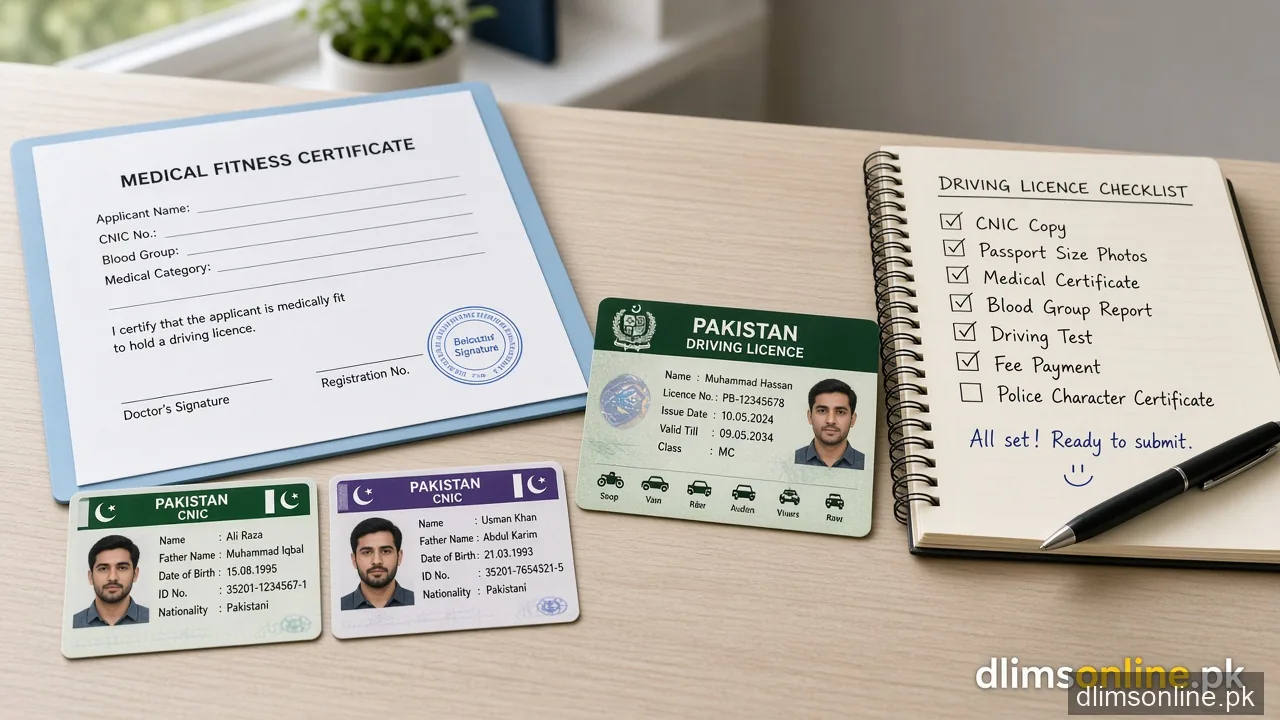
Driving License Tips Punjab 2026
Driving License Tips Punjab 2026 (Dastak / DLIMS)
Last updated: October 2026. Official process: dlims.punjab.gov.pk.
What this page solves: You want practical tips that stop the most common Dastak delays: blurry CNIC uploads, wrong licence category, expired PSID slips, unpaid challans that block renewal, and double payments. Use this page as a short checklist, then open the matching tool for the next action without hopping across the whole site.
Before you apply
- Keep CNIC front/back sharp, full edges visible, no glare
- Use a recent photo that matches portal background rules
- Pick motorcycle, car/jeep, LTV, or combination carefully before fee generation
- Clear unpaid challans that can block renewal or dispatch
- Keep one active mobile number for OTP
During payment
- Pay only the official PSID amount shown on Dastak
- Do not create a second PSID for the same step unless the portal requires it
- Save bank SMS and receipt until status updates
- If money left your account but status is still pending, open the PSID helper before paying again
Quick tools (stay here)
After you apply
- Track only on the official portal with your login
- Prepare biometric, medical, or test steps your district asks
- For courier wording, open the dispatch status guide
- For login loops, open the DLIMS login problems guide
No. First check payment, documents, and challans. A second application without portal instruction often creates more delay.
Use the Fee Structure page for tables and the calculator for planning, then pay only the PSID amount on Dastak.