
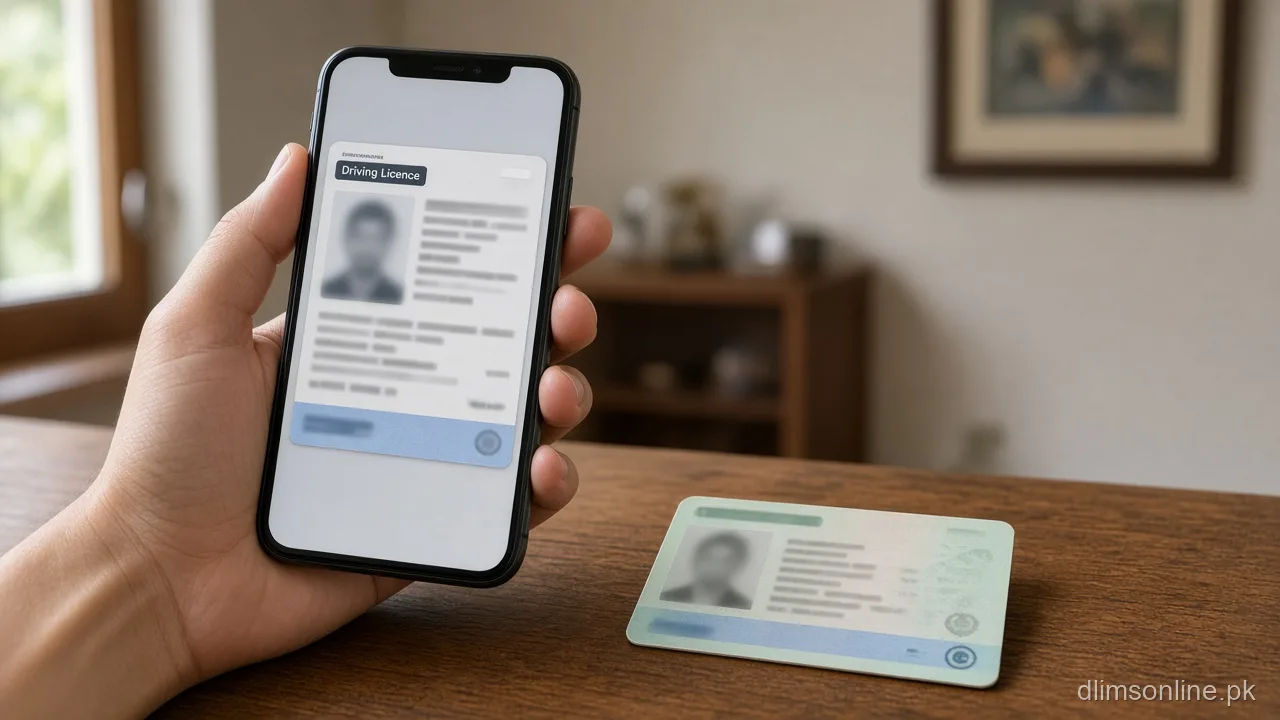
E-License Punjab Download 2026 | View It on Your Phone
E-License Punjab Download: View Your Digital Licence on Your Phone
Last updated: October 2026. Official portal: dlims.punjab.gov.pk.
An e-license Punjab download gives you a digital copy of your driving licence that lives in your Dastak account instead of your wallet. It is the fastest way to prove you hold a valid licence while your physical smart card is still being printed or sitting with a courier. This guide covers how to actually open or save it on your phone, when a paper or plastic card is still required by law, and why the QR code or check feature sometimes confuses people. We tested the flow directly on the portal while writing this.
What the E-Licence Actually Is
The e-licence is the official digital record of your driving licence inside DLIMS, now accessed through Dastak. For a learner licence specifically, the portal states that the digital copy becomes available in your login as soon as your application is approved and payment is confirmed, with no wait for a physical card at that stage. For a regular, renewal, or duplicate licence, the digital copy generally appears once your request moves past approval, even while the smart card itself is still being printed and couriered.
It is not a separate application. You do not request an e-licence on its own, it is simply the digital face of whatever licence request you already submitted.
How to Download or View Your E-Licence
- Log in to your Dastak account on the app or at dlims.punjab.gov.pk
- Open the Licence or e-License section of your dashboard
- Select the active licence record you want to view
- Save or screenshot the digital copy for offline access, since you may not always have signal when you need to show it
If you cannot log in at all to reach this screen, fix that first using our login problem guide rather than troubleshooting the e-licence itself.
When You Still Need the Physical Card
A digital copy is useful for day to day proof, but some situations still expect the physical smart card.
| Situation | E-Licence Enough | Physical Card Needed |
|---|---|---|
| Routine traffic police checkpoint | Usually accepted | Carry it when possible as backup |
| Vehicle insurance or bank verification | Sometimes | Often requested, confirm with the specific institution |
| Applying for an International Driving Permit | No | Yes, the physical licence is generally expected |
| Renting a vehicle | Sometimes | Many rental counters still ask for the card |
If your plan involves travel or an international permit, read our international driving licence guide before assuming the digital copy alone will work.
QR Code and Check Confusion
A common point of confusion is mixing up three different things that all sound similar: viewing your own e-licence, checking a licence number for validity, and scanning a QR code printed on a smart card. The e-licence download shows your own saved copy. A licence check or verify tool confirms whether a specific licence number is valid, which is a separate lookup covered in our driving licence check guide. QR based checks depend on whoever is scanning having the right reader or portal access, so a failed scan does not necessarily mean your licence record is wrong, it often just means the scanning side had a technical issue.
Saving a Copy for Low Signal Situations
Many checkpoints and offices sit in areas with patchy mobile signal, so relying on opening the live app page every time is risky. Once your e-licence loads successfully, save a screenshot or export a PDF copy to your phone’s own storage rather than only bookmarking the page. Keep that saved copy updated after any renewal, duplicate, or category change, since an old screenshot showing an outdated category or expiry date can create more confusion than having no digital copy at all.
If Your E-Licence Does Not Show Up
- Confirm your application status has actually reached Approved, not just Payment Confirmed, since the e-licence only appears after that stage
- Log out and log back in, since dashboards occasionally cache an older state
- Check you are looking at the correct licence record if you hold more than one category or request
- If approval happened days ago with still no digital copy, contact DLIMS support directly rather than resubmitting anything
Frequently Asked Questions
Is the e-licence legally the same as my physical card?
It represents the same official record, but acceptance for specific purposes such as international permits or certain institutional checks can still require the physical card. When in doubt, carry both once your card arrives.
Can I download the e-licence before my card is printed?
Yes, that is the main point of the e-licence. For a learner licence it appears right after approval and payment, and for other categories it typically appears once your request is approved, well before the physical card is dispatched.
Why does the QR code on my card not scan properly?
This is usually a reader side issue, such as camera focus or app compatibility, rather than a problem with your licence. If scanning repeatedly fails, use the Verify License or Track Application tools on the portal as a backup.
Do I need internet access every time I show my e-licence?
No, if you saved a screenshot or downloaded a copy to your phone, you can show that offline. Live verification by a third party, however, still requires their own internet access.
Can someone else view my e-licence using my CNIC?
They cannot open your personal e-licence download, since that requires your account login. They can only run a public licence check if they already have your licence number.
Does the e-licence update automatically after a renewal or category change?
It should reflect your latest approved record once that request clears approval. If your saved screenshot still shows old details, open the dashboard again and replace it rather than relying on the outdated copy.
Sources and Disclaimer
This guide reflects the e-License feature and FAQ published on the official DLIMS portal at dlims.punjab.gov.pk, checked in October 2026. dlimsonline.pk, maintained by Musa Tariq, is an independent information site and is not affiliated with the Government of Punjab, DLIMS, or Dastak. Acceptance rules for digital versus physical licences can vary by institution and may change. Confirm current rules on the official portal before relying on this guide. Report an outdated step through contact us.